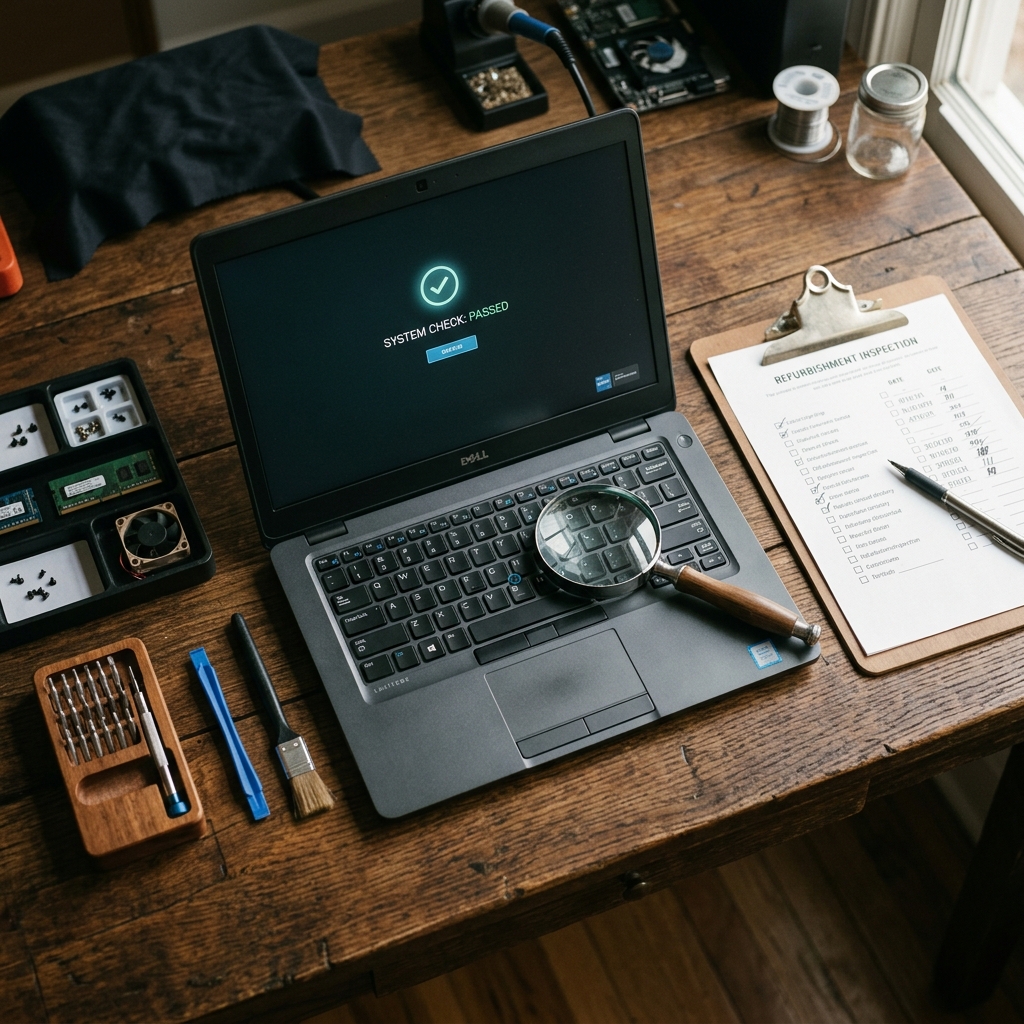
5 Things to Check When Buying a Refurbished Laptop
Buying a refurbished laptop is one of the smartest tech purchases you can make — but only if you know what to look for. The difference between a great deal and a regret comes down to five things.
1. Check the Grade — and What It Actually Means
Grading describes how the device looks, not how it performs. All grades should be fully functional.
- Grade A — Like new. You'd struggle to tell it from a device fresh out of the box. Choose this for gifts or if cosmetic condition matters to you.
- Grade B — Minor cosmetic marks — a small scratch on the lid, a light scuff on the palm rest. At arm's length, it looks fine. Often the sweet spot for value, with a £50-£100 saving over Grade A.
- Very Good — Visible signs of use — light scratches, minor scuffs. Nothing affecting function. Ideal for a second machine, students or budget-conscious buyers.
All grades get the same internal testing. A Grade B laptop runs identically to a Grade A — the processor doesn't know there's a scratch on the lid.
2. Look at the Processor Generation, Not Just the Name
This is where most buyers get caught out. An Intel Core i7 sounds impressive, but an i7 from 2018 (8th generation) is significantly slower than an i5 from 2022 (12th generation). The generation matters far more than the i5/i7 branding.
How to read Intel names: in "Core i5-1235U", the first two digits after the dash (12) are the generation. A 12th-gen i5 outperforms an 8th-gen i7 in virtually every real-world task. For AMD, in "Ryzen 5 5600U", the first digit (5) indicates the generation.
For general use in 2026, aim for 10th-gen Intel or newer, or Ryzen 4000-series and above. Anything older will feel sluggish within a year or two.
3. RAM and Storage Matter More Than You Think
In 2026, 8GB of RAM is the bare minimum for a usable laptop. It'll handle web browsing and office work, but you'll notice slowdowns with more than a dozen browser tabs open or when switching between applications. If you can stretch to 16GB, do it — it's the sweet spot for longevity and will keep the machine comfortable for three to four more years.
Storage is simpler: it must be an SSD. If a refurbished laptop still has a mechanical hard drive (HDD), it will feel slow no matter how good the processor is. An SSD is the single biggest factor in how "fast" a computer feels day to day — boot times, application launches, file operations.
On capacity, 256GB is workable if you use cloud storage, but it fills up quickly once you install a few applications and start downloading files. 512GB is the comfortable choice for most people. If you work with large files — video, photography, design — consider 1TB.
4. Battery Health Is the Hidden Variable
Every rechargeable battery degrades over time. A laptop that's been through two or three years of daily use might hold only 60-70% of its original charge. That's normal, but you need to know about it before buying.
- Cycle count — under 300 is good. Over 500 and you should expect noticeably reduced battery life.
- Health percentage — 80% or above is solid. Below 70% and you'll want to budget £40-£80 for a replacement.
- Realistic expectations — expect roughly 60-80% of the manufacturer's claimed runtime depending on age and usage history.
A good refurbisher tests battery health as part of their inspection and is transparent about the results. If a seller can't tell you anything about the battery, that's a red flag.
5. Warranty Is Your Safety Net
This is the single biggest difference between buying "refurbished" from a reputable company and buying "used" from a stranger on a marketplace. A proper warranty means someone stands behind the product.
Here's what matters:
- Duration — 12 months is the standard for quality refurbishers. Anything less than 6 months should make you cautious. A 30-day return window alone is not a warranty.
- What's covered — hardware failures, component defects, original OS issues. Not accidental damage, not software you've installed, not cosmetic wear from your own use.
- How claims work — can you contact someone directly? Is there a phone number and a physical address? Or are you submitting a form into a void?
Our 12-month warranty covers all hardware defects and failures under normal use. If something goes wrong, you call us on 028 9024 1234 or email us and we sort it out. Batteries are covered for 3 months (they're consumable components), and everything else for the full year.
The bottom line: buying refurbished is a smart move, but only when you know what you're getting. Check the grade, understand the processor, make sure the RAM and storage meet your needs, ask about battery health, and always — always — buy from somewhere that offers a real warranty.
Related Products
- Dell Latitude 5540 — 13th-gen i5, 16GB RAM, 512GB SSD
- Lenovo ThinkPad T14 Gen 4 — 13th-gen i5, 16GB RAM, 512GB SSD
- HP EliteBook 840 G9 — 12th-gen i5, 16GB RAM, 256GB SSD
- Apple MacBook Air M1 — Apple M1, 8GB RAM, 256GB SSD